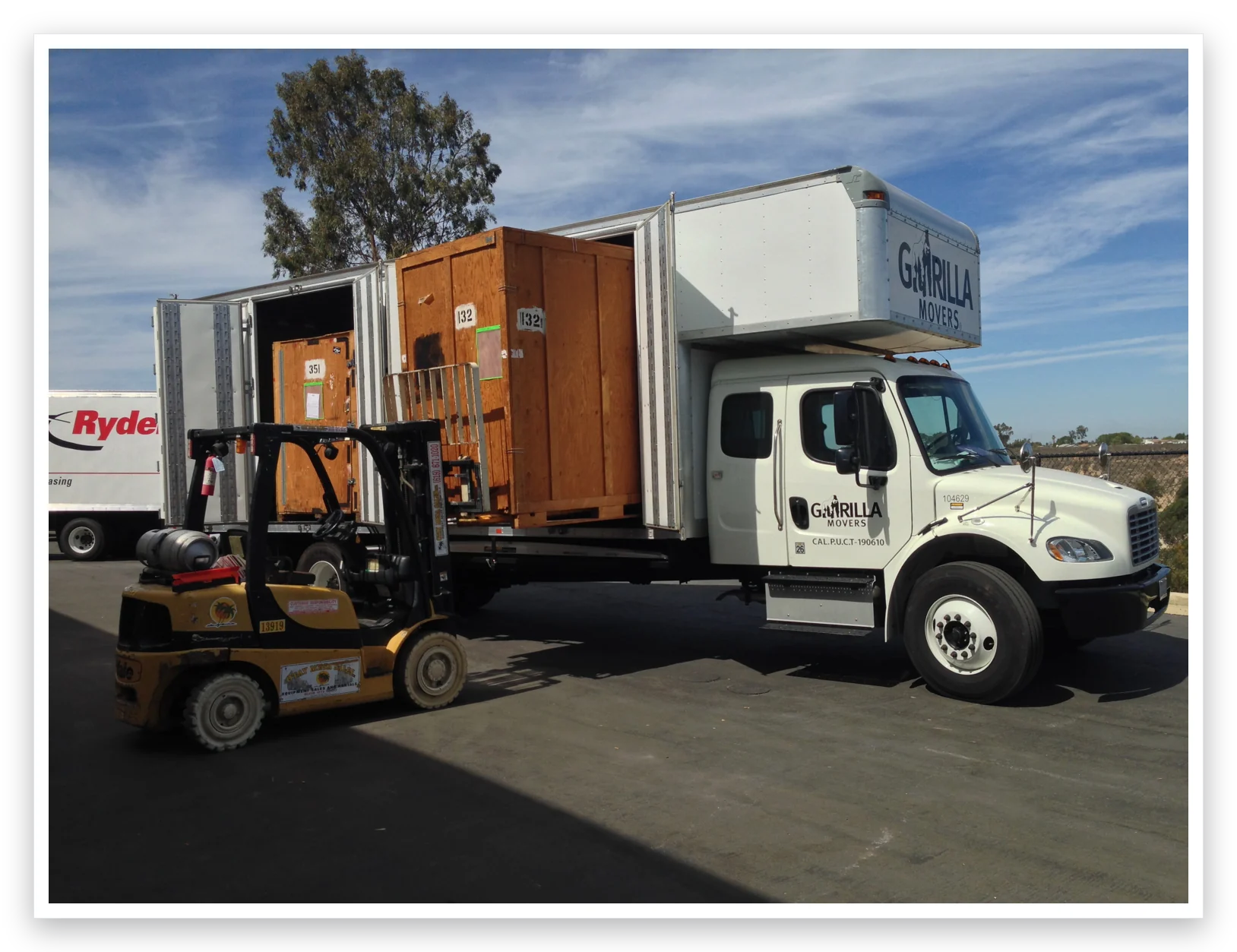
Pack an office in five steps: build a timeline and team working backward from move day, inventory and purge before boxing anything, pack by department with a strict labeling system, give IT and electronics their own protocol with verified backups, then run move day from your checklist and get workstations live first. Downtime, not distance, is the real cost of an office move.
Step 1: Build the timeline and the team
Start from your move date and work backward, putting milestones on a shared calendar: vendor decisions, purge week, department packing windows, IT cutover, and a buffer for the surprises that always come. For most offices, packing planning starts six to eight weeks out; the physical boxing happens in the final two.
Then assign a small move team with one person per department. They own their area's packing, answer their colleagues' questions, and report to a single move coordinator. One point of contact per department is the difference between a coordinated pack and forty people improvising.
This is also the week to sketch the new floor plan. Every box you pack gets labeled for a destination that should already exist on paper, desk numbers, room names, zones. Pack toward the plan, not toward 'we'll figure it out there.'
Step 2: Inventory everything, then purge hard
Walk the office and document what you own before anything goes in a box, furniture, equipment, files, the storage room nobody has opened since the last lease. The inventory becomes your packing checklist, your insurance record, and your proof of what arrived.
Then cut. Office moves are the best purge opportunity a business ever gets: shred expired records (follow your retention policy), recycle dead electronics properly, and sell or donate furniture that doesn't fit the new plan. Every desk you don't move saves labor on both ends, and the new office starts clean instead of inheriting a decade of clutter.
Gear up: what an office pack actually requires
Household boxes don't survive commercial weight. Before packing week, stage the right materials in a supply corner every department can raid, running out of tape on pack night is a self-inflicted delay.
- Small heavy-duty boxes for files and books, a large box of paper is an injury, not a box
- Anti-static bubble wrap and stretch wrap for monitors and peripherals
- Speed packs or rolling crates for file drawers, if your mover offers them
- Zip bags for cables, hardware, and desk small parts, labeled per workstation
- Color-coded labels by department, plus a fat marker at every station
- Furniture pads and corner protectors for conference tables and glass
Step 3: Pack by department, label like you mean it
Each department packs its own area against the checklist, on its assigned window, common spaces, storage, and rarely used files first; active workstations in the final days. Employees pack personal desk items into one clearly labeled box each; those get handled separately and land on the right desks first, which does more for morale on day one than any memo.
Labeling is the system that makes the unload work: number every box, log it against the inventory, and mark each with department, destination zone, and priority. Color-coded labels per department let the crew route boxes at a glance. Essentials get loaded last so they come off the truck first.
Step 4: Give the tech its own protocol
Electronics are the most valuable and most fragile freight in the building, and getting them live again fast is what keeps downtime, the truly expensive part of any office move, to a weekend instead of a week. Verify complete data backups before the first cable is unplugged. Photograph every workstation's connections, bag and label cables with their device, and pull batteries and toner before loading.
Assign each major piece of equipment to a named IT owner, and prioritize the reconnection order in advance: network and servers first, then shared printers, then workstations. Have spares staged for the hitches that happen anyway.
Step 5: Run move day from the checklist, then close it out
On move day the coordinator is a conductor, not a lifter: final sweep of every room against the inventory, clear communication channel for the whole team (a group chat works fine), and someone at the destination directing boxes to their zones. With numbered boxes and a floor plan, the unload is routing, not archaeology. Keep safety visible too, clear walkways, propped doors, heavy items on dollies, because a sprained ankle on move day is both a person hurt and a schedule blown.
Timing is your quiet ally here. Most offices we move go over a weekend or an evening precisely so the packing chaos never meets a client phone call; if your building requires a certificate of insurance or a freight elevator reservation, confirm both the week before, not the morning of.
Closing out matters as much as loading up. Reconcile the inventory, confirm utilities and security systems work, walk the old space one last time, and collect feedback in week one, small layout fixes early prevent lasting annoyances. Then mark the milestone with your team; they just moved a company.
The four mistakes that sink office packs
Nearly every rough office move we've rescued went wrong in one of the same four ways.
- No inventory, nobody can say what's missing because nobody recorded what existed
- A compressed timeline with zero buffer, so one delay cascades into a missed reopening
- Packing everything, including furniture and files that should never have made the trip
- Silent communication, employees, clients, vendors, and the landlord all learn the details too late